Your passwords, our protection
Your passwords. Locked in, easy to access, and yours alone.
Store, manage, and share passwords, PINs, and logins securely, encrypted, easy to use, and guaranteed without any third-party access, not even by us.
Safe together
Millions of people trust us with their most sensitive logins
10 M+
end users trust SecureSafe
18 B+
passwords securely stored
6000+
days of protecting users’ data

Your digital life, better organised
Because managing passwords shouldn't be a full-time job
From encrypted storage to controlled sharing with family or friends, every feature is built around one principle: the right people have access – and no one else does.
Forgotten password? Never again
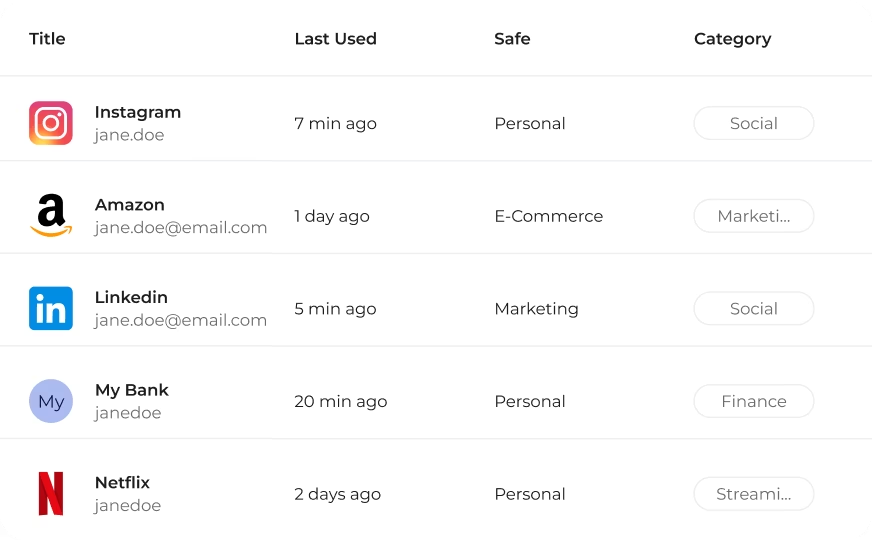
Store & organise credentials securely
Save passwords, PINs, login details, and sensitive notes in encrypted vaults, organised by category and protected by zero-knowledge architecture. No more scattered credentials, no more post-it notes.
Stronger passwords, less effort
Generate secure passwords on demand
SecureSafe Pass includes a built-in password generator, giving you the tools to create strong, unique passwords whenever you need them – no more weak or reused passwords.
Sharing is caring – but securely
Share logins without exposing them
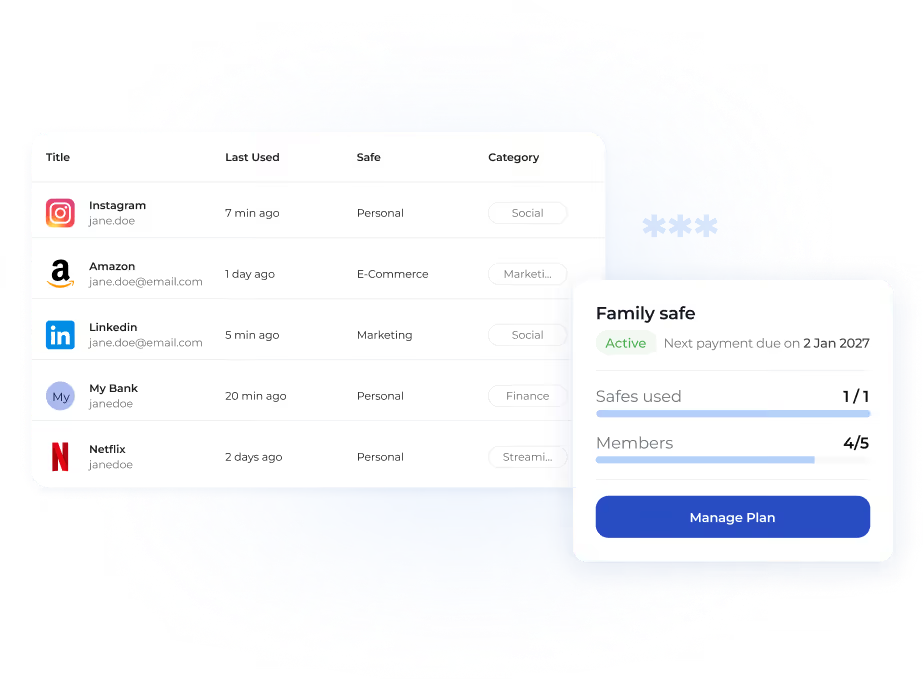
Need to share a streaming login with your family or a Wi-Fi password with a guest? With SecureSafe, sharing is encrypted, controlled, and revocable at any time.
Log in easily – anywhere
Access your credentials, wherever you are
Whether you're on your phone, tablet, or laptop, your credentials stay automatically synchronised across the mobile app, browser extension, and web. One update everywhere – no manual effort required.

Security
Your data stays in Switzerland and stays yours


SecureSafe is hosted in Switzerland, independently audited, and built on zero-knowledge architecture, meaning no one but you can view your files in plain text. Your most sensitive documents stay under your control, always.
Built for the full picture
A toolkit that takes your digital security seriously
SecureSafe Pass comes with a full set of additional capabilities that are designed to give you more control, more convenience, and more confidence — without adding complexity.

Login without typing a thing
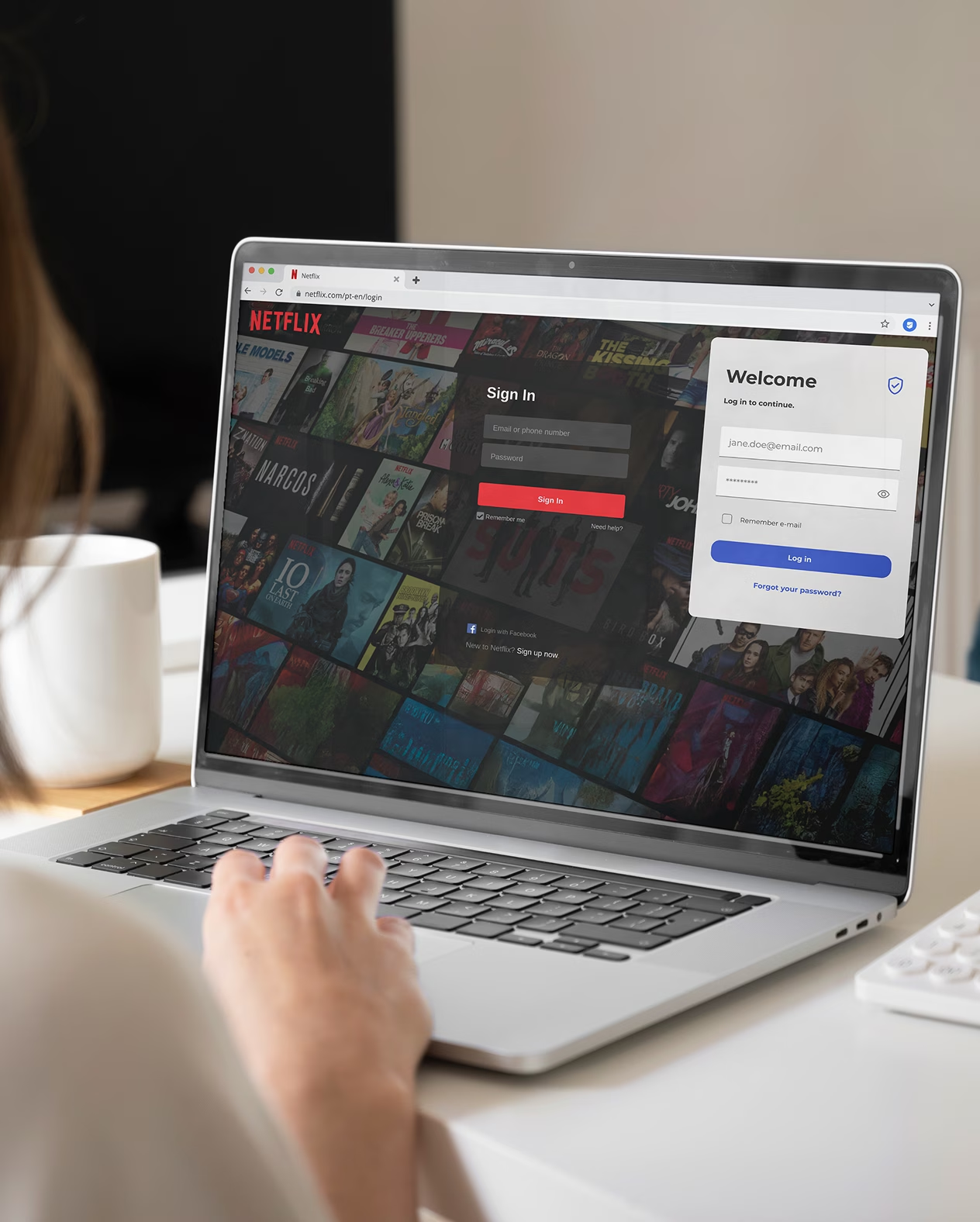
SecureSafe Pass automatically fills in your login details across websites and apps, so you spend less time typing and more time doing. Autofill works across the browser extension and mobile.

Switch without starting over
Already using another password manager? Import your existing credentials directly into SecureSafe Pass. And if you ever want to leave, your data exports cleanly – no lock-in, no friction.

Store more than passwords with secure notes
Keep sensitive information beyond passwords safe, too: notes of bank details, software licences, recovery codes, or anything else you need protected but close at hand – encrypted, like everything else.

Protect every login with 2FA
Add an extra layer of security to every account with two-factor authentication. Even if someone gets hold of your master password, they still can't get in without your second verification step.

Identify passwords that put you at risk
SecureSafe Pass helps you maintain a strong security posture by flagging weak passwords upon creation, so you can fix problems before they become incidents.

Designed for accessibility
Whether you're deeply familiar with digital security or just getting started, SecureSafe Pass is designed to feel straightforward from day one. Clear, simple, and never overwhelming.